
Sketching Smarter: How Visual Notes Turbocharge Memory and Focus

Join us to explore the science behind sketchnotes: memory, attention, and dual coding working together to make information unforgettable. We will connect research on working memory limits, the picture superiority effect, and focused engagement with practical drawing moves you can use today. Expect relatable stories, classroom and meeting examples, and clear prompts to practice as you read. By the end, you will know why sketching while listening deepens understanding, how to design pages that guide recall, and how to keep your mind calmly alert. In one messy workshop, a handful of boxes and arrows rescued my understanding when the speaker jumped three steps ahead. Share your experiments in the comments and invite a friend to practice together.

Chunking Ideas into Visual Units

Turn long sentences into compact clusters that fuse keywords, icons, and small connectors. A single frame labeled “Causes” with three sketched symbols can replace paragraphs, preserving relationships without crowding your mind. Chunking creates manageable units that survive distractions, bridge gaps in attention, and give future you instantly scannable anchors during review and discussion.

Guiding the Eye with Layout and Signals

Design the page as a guided tour. Use bold titles, numbered paths, and subtle arrows to signal what to read next. Signaling prevents aimless eye saccades, which waste energy and attention. Strong visual cues work like road signs, decreasing decision fatigue and keeping comprehension smooth even when the speaker speeds up.

Dual Coding in Action: Words and Pictures That Stick

Build a small set of consistent icons for recurring ideas—cause, effect, hypothesis, example, risk, decision, and evidence. Reusing them forms a visual language that reduces cognitive overhead. When hands move automatically, you can listen harder, relate concepts, and decorate connections rather than search for how to draw each time.
Match grammar to graphics. Use arrows or motion lines to encode actions, containers for categories, and distinct shapes for key nouns. This alignment prevents conflicts between verbal and visual channels, keeps the page semantically coherent, and helps your memory retrieve not only items, but also how they interact across time.
Because pictures are remembered more reliably than words, even rough sketches outperform perfect sentences during later review. A lopsided magnet labeled “attraction” or a dim bulb for “insight” triggers richer cues than plain text. Embrace imperfection; distinctiveness and multimodal encoding matter far more than artistic polish for enduring recall.

Attention That Doesn’t Drift: Focus, Mind‑Wandering, and Doodling

Attention wanders by design, yet purposeful drawing harnesses that energy. Light, continuous motor activity stabilizes arousal and reduces mind‑wandering, echoing findings that simple doodling can boost recall. Sketchnotes transform passive listening into active monitoring, offering micro‑goals—next icon, connecting line, or headline—that keep effort gently engaged without draining willpower.

From Notes to Knowledge: Retrieval, Spacing, and Consolidation

Learning sticks when you retrieve, not reread. Sketchnotes shine during quick reconstructions: cover details, then redraw key structures from memory, checking against the original. Pair that with spacing—short, distributed reviews—and consolidation improves. Sleep strengthens traces; revisiting concise visuals the next day refreshes patterns quickly and encourages elaboration without overwhelm.

Sketch to Retrieve, Not Just Record

Turn pages into prompts. Hide most of the content using a card or hand, then attempt to recreate the diagram, labels, and connections. Retrieval practice beats passive glances. Each successful reconstruction deepens pathways, while errors highlight what to refine, creating immediate, targeted opportunities to learn better.

Spacing Sessions with Visual Cues

Schedule tiny reviews over days rather than one marathon cram. Use symbols to mark what to revisit—stars for fragile items, spirals for confusing areas. Visual tags make spaced intervals obvious at a glance, helping you act on intention and avoid dependence on inconsistent motivation or memory alone.

Gestalt Grouping for Instant Structure

Place related items close, use similar shapes for similar roles, and draw connecting lines that prefer smooth continuations. The eye obeys these patterns automatically, so your viewers infer structure before reading labels. That frees attention to explore causal links, open questions, and implications rather than deciphering the layout.

Contrast and Hierarchy that Clarify Meaning

Make important elements pop through size, weight, or color, but keep a consistent hierarchy so nothing screams accidentally. Contrast directs entry points; alignment organizes the field. When hierarchy is predictable, scanning accelerates, trust increases, and your audience experiences clarity instead of guessing what matters or where to start.

Color as Memory Glue, Used Sparingly

Use color to bind categories and cement cues, yet observe restraint. Two to three hues, applied consistently, outperform rainbow chaos. Repetition builds familiarity that aids memory, while whitespace gives breathing room. As pages calm down, content stands up, and your message travels cleanly from eye to understanding.

Workflow: Tools, Templates, and Repeatable Practices

{{SECTION_SUBTITLE}}
Analog or Digital: Choose with Intention

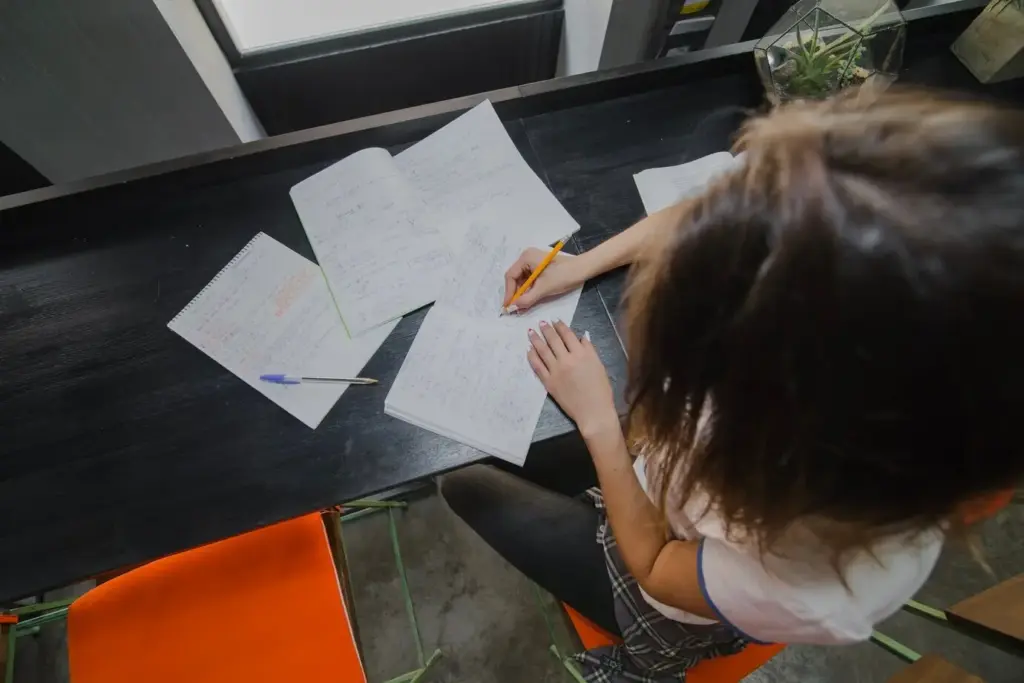
Paper offers tactile immediacy and zero battery anxiety; tablets allow layers, undo, and instant sharing. Choose based on context—lighting, desk space, travel, or audience needs. Whatever you pick, test pen friction and line weight before events, so muscle memory helps you listen rather than fiddle.

Reusable Canvases that Speed Thinking
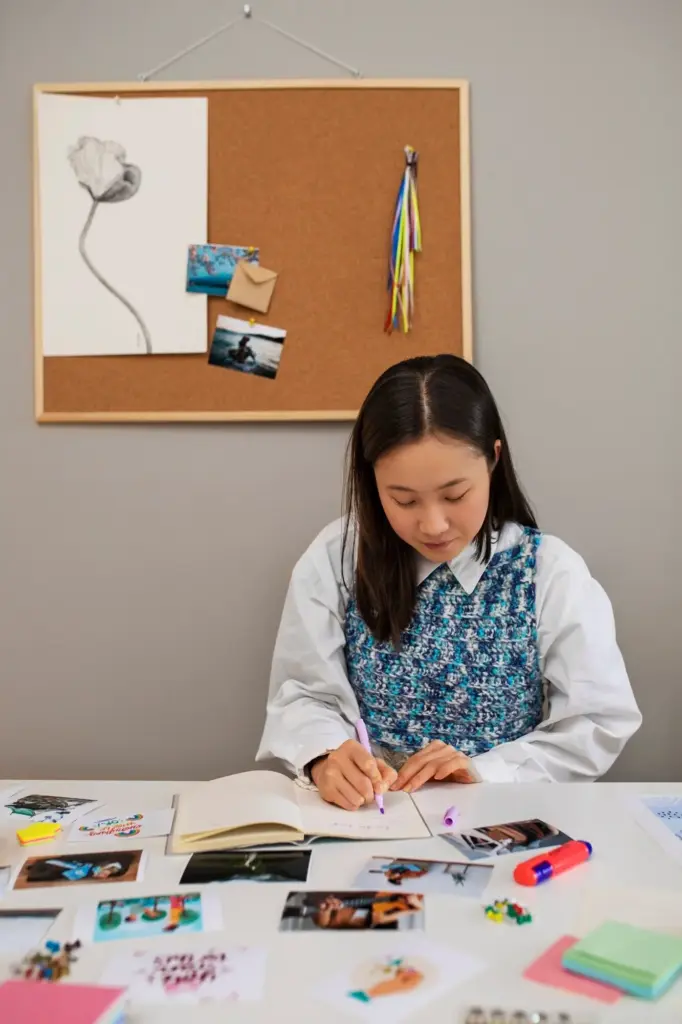
Pre‑draw structures like grids, radial maps, or layered timelines. With scaffolds ready, you capture faster and signal consistent patterns to your future self. Templates also help teams align styles for collaborative notes, merging multiple perspectives seamlessly while preserving individual voice and reducing editing after sessions end.
Lopapitilinipoxo
Privacy Overview

This website uses cookies so that we can provide you with the best user experience possible. Cookie information is stored in your browser and performs functions such as recognising you when you return to our website and helping our team to understand which sections of the website you find most interesting and useful.